
System mode
The public macOS foundation. Explore touch, gestures, pressure and device details without enabling an experimental session.

Trackpad Wizard
Watch the surface come alive. Explore gestures and pressure, then shape what your trackpad can do in response.
Version 0.3.0 (Build 4) · macOS 26 or later

Move from a single contact to the gesture, device and response behind it.
Follow contacts and pressure across the surface. Enhanced Mode reveals raw touch data.
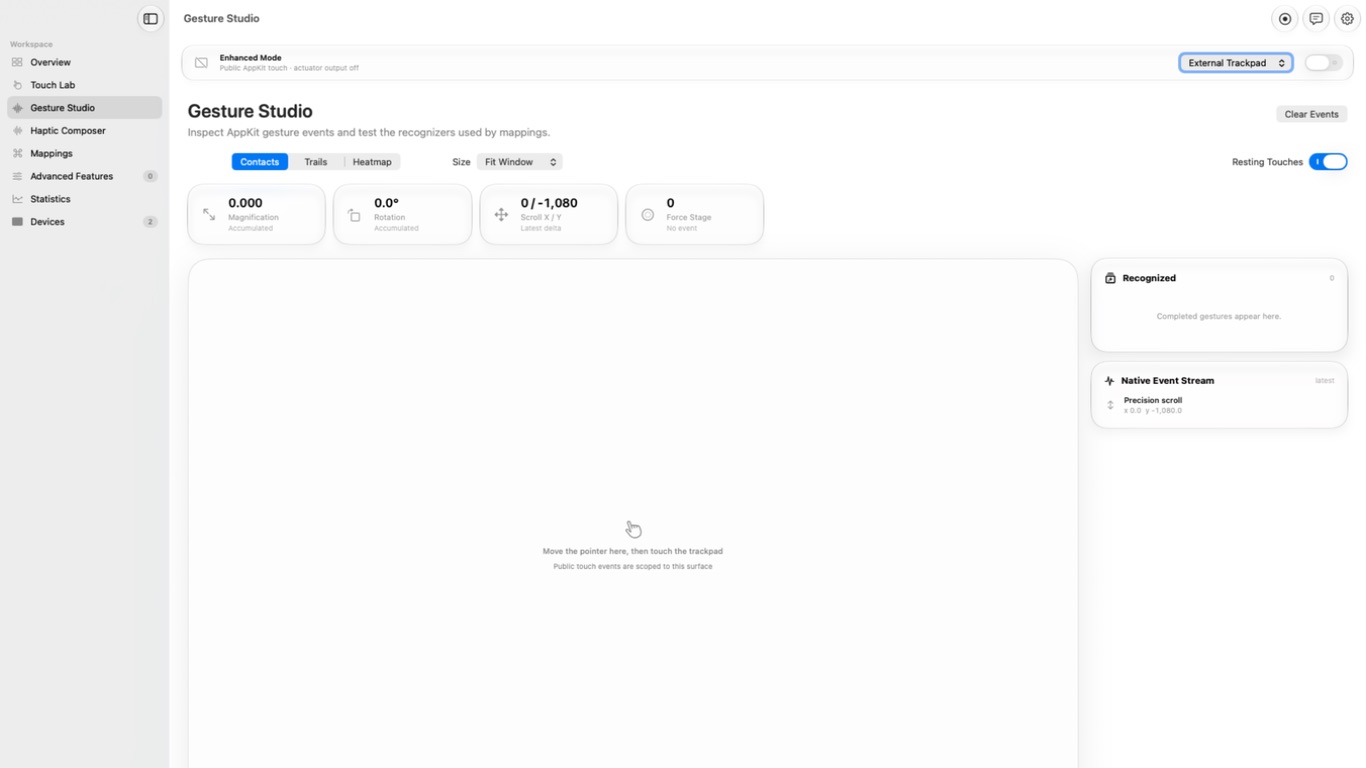
See pinches, rotation, scrolling and Force Click beside the events that shape them.
Shape tactile rhythms for direct trackpad playback in Enhanced Mode.
Connect a gesture to a keyboard shortcut or a saved haptic pattern.
Look back at local actuator counts for each trackpad, with a clear way to reset them.
Read the trackpad’s reported battery, transport, Force Touch support and settings.
Gesture Studio keeps each movement beside the native event it produced.
The public macOS foundation. Explore touch, gestures, pressure and device details without enabling an experimental session.
Enable it for a session when you want raw contacts or direct haptic control. It stops when you turn it off and never resumes automatically at launch.